A reproducible checklist for browser tools.
This page describes recommended checks, not a completed test report. Screenshots illustrate interfaces; they do not establish network behavior, copy/download correctness, cross-browser compatibility, or security. No per-tool results log substantiating those conclusions is attached here.
1. Start with a synthetic fixture
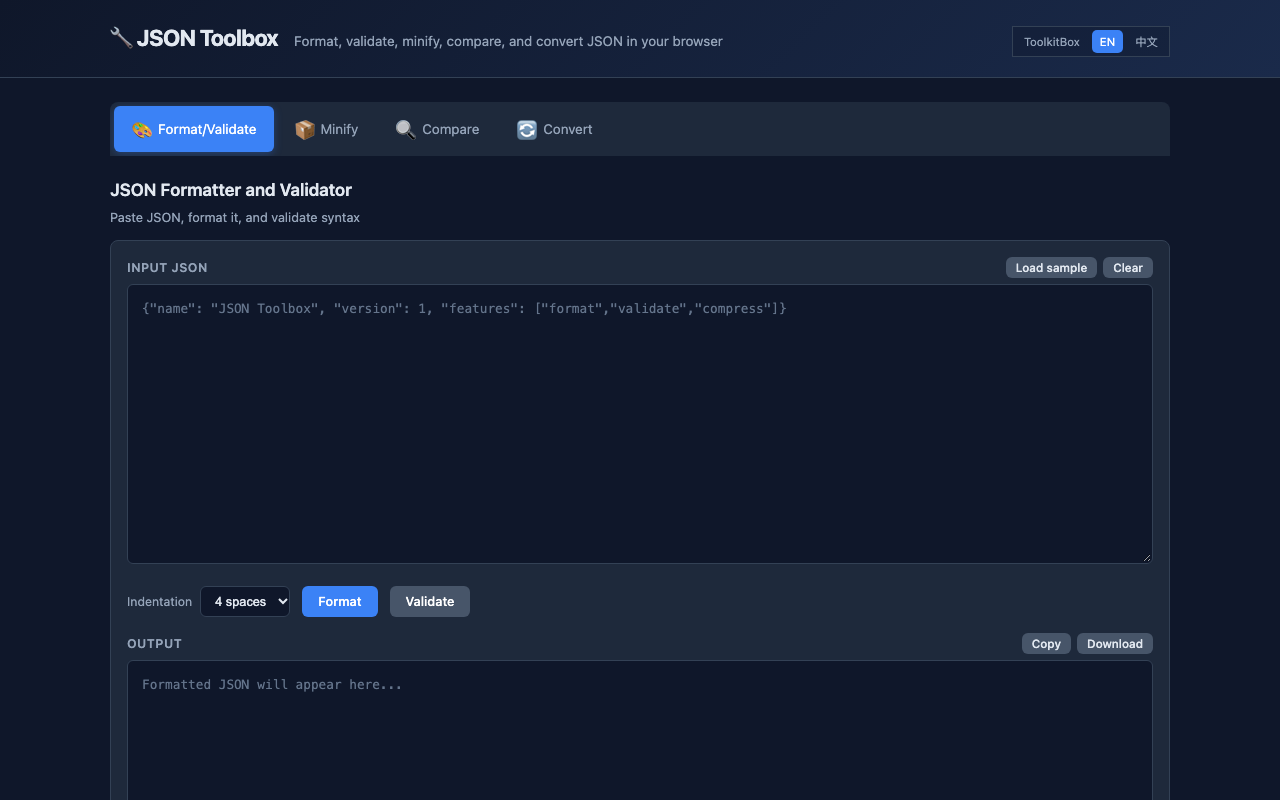
Do not use customer records, production credentials, or copied private logs for a public test. A JSON fixture uses invented names and example domains. URL tests use reserved hosts such as example.com. Regex tests include expected matches, expected failures, Unicode, empty input, and a deliberately long string. This makes a failure reproducible without putting anyone's data at risk.
2. Observe the network, not the marketing copy
With DevTools open, clear the Network panel, disable cache, run the main action, and inspect every new request. Record static assets and analytics separately from user-input transmission. Not observing input transmission supports only a bounded observation for that version and action; it cannot exclude delayed, encoded, or future transmission. SSL checks are the intentional exception: certificate inspection needs a server request, so that boundary is disclosed in the tool and guide.
3. Check the result independently
A green status inside a tool is not enough. Parse JSON output again and compare it with the input value. Decode Base64 output and compare it byte for byte. Check URL components against the browser URL parser. Compare regex results with a small expected-match table. Compare SSL observations with the certificate presented at the public edge, because a local certificate file does not prove what visitors receive.
Suggested review matrix
| Tool | Primary fixture | Independent check | Important limit |
|---|---|---|---|
| JSON Toolbox | Nested object, Unicode, invalid trailing comma | Parse and structural comparison | Formatting does not validate a business schema |
| Base64 Tool | UTF-8 text and URL-safe symbols | Decode and compare original bytes | Encoding is not encryption |
| UUID Generator | Multiple generated identifiers | Version and format checks | Uniqueness is not authorization or secrecy |
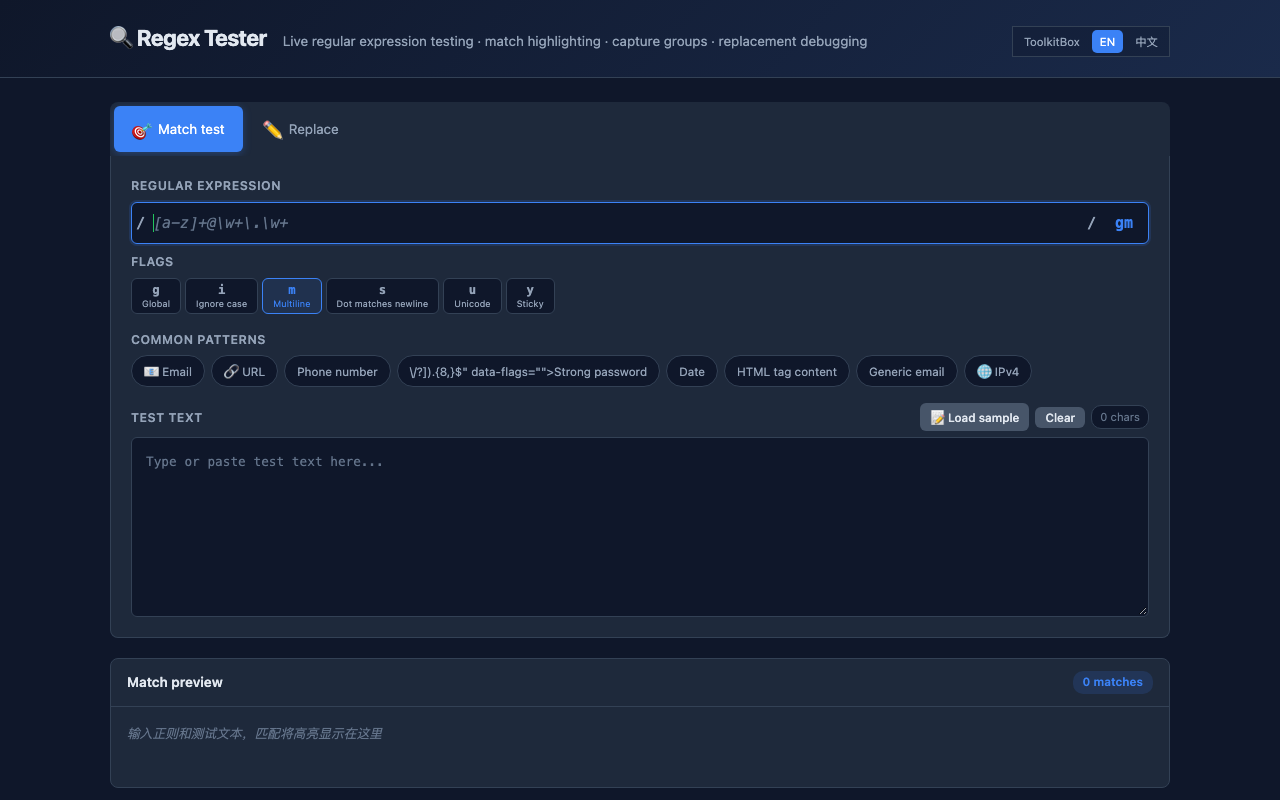
| Regex Tester | Positive, negative, Unicode, and long inputs | Expected-match table | Browser engine behavior can differ from a server engine |
| Diff Checker | Config with whitespace and value changes | Manual review of meaningful changes | A diff cannot decide whether a change is correct |
| URL Checker | Encoded query, fragment, and reserved host | Native URL parser comparison | Decoded parameters may contain secrets |
| SSL Checker | Known public HTTPS host | Public-edge certificate comparison | Requires a network-backed lookup |
| Color Tool | Hex, RGB, HSL, and contrast pairs | Round-trip and WCAG ratio calculation | Contrast checks do not replace full accessibility review |
4. Test failure paths and mobile layout
A review should include empty input, malformed input, repeated actions, copy or download controls, language switching, keyboard focus, and a narrow mobile viewport. Check that an error explains what failed without discarding the user's input. Tool controls must remain usable at 390 CSS pixels wide and must not be covered by navigation or advertising.
5. Record what the tool cannot prove
ToolkitBox deliberately publishes limits next to results. Local processing cannot make unsafe source data harmless. A valid JSON document can still contain a leaked token. A valid certificate can belong to the wrong service architecture. A passing contrast ratio does not guarantee that every state is accessible. These boundaries are part of the result, not fine print.
Corrections and repeatability
If a browser update changes a workflow, rerun the fixture before drawing new conclusions. Material changes appear in the public changelog. To report a reproducible problem, send the tool URL, browser version, expected result, actual result, and a synthetic example to contact@toolkitbox.org.
Record actual results
For each check, record the page URL and version, date, browser and OS versions, synthetic input, action, expected result, actual result, and evidence location. Mark pass, fail, or not tested explicitly. Do not mark unexecuted checks as passed or infer tool-subdomain results from directory-page tests.